
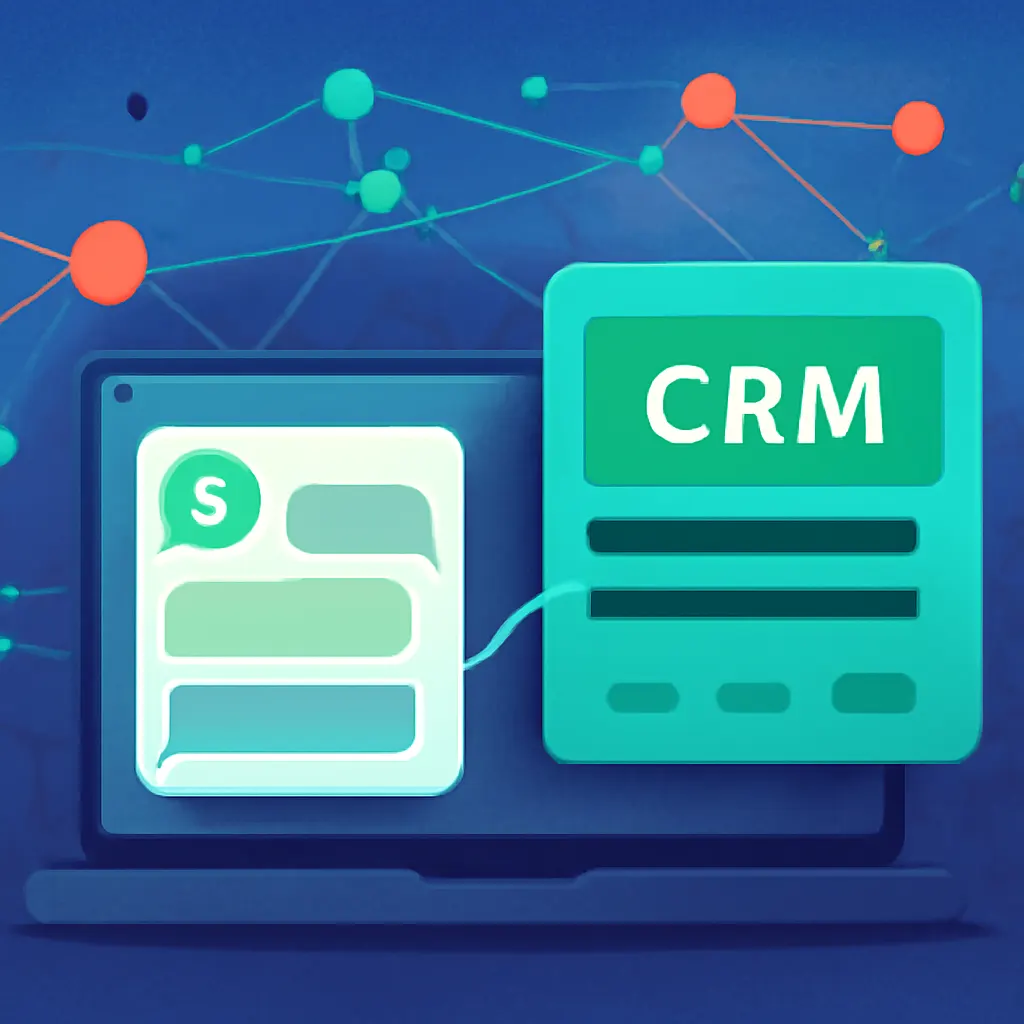
For small businesses, effective communication with customers can often be the difference between success and failure. As technology evolves, messaging platforms like WhatsApp have become integral to customer interaction. WhatsApp CRM integration is not just a trend; it’s a strategic approach to streamline operations, enhance customer service, and ultimately drive sales. This guide explores how small businesses can leverage WhatsApp CRM integration to improve their operational efficiency.
Goal: Streamlining Business Operations with WhatsApp CRM Integration
The primary goal of integrating WhatsApp with your CRM system is to streamline operations and improve customer relations. Here are the key objectives:
- Understanding the impact of messaging on customer relations: Messaging platforms provide a direct line of communication, making customer interactions more personal and immediate.
- Setting clear objectives for integration: Identify specific outcomes you want to achieve, such as faster response times or improved customer satisfaction metrics.
- Aligning your business processes with customer expectations: Customers expect quick responses and personalized service; ensure your integration meets these demands.
Prerequisites: Key Considerations Before Getting Started
Before embarking on the WhatsApp CRM integration journey, it’s crucial to consider the following prerequisites:
- Assessing existing CRM capabilities: Review your current CRM system to determine if it can support WhatsApp integration natively or if you will need third-party tools.
- Identifying necessary tools and platforms: Consider what software or services will be required to facilitate the integration, including WhatsApp Business API or services like Twilio.
- Preparing your team for the integration process: Ensure your team is on board with the changes and understands how to use the new system effectively.
Step 1: Selecting the Right WhatsApp Integration Tool
Choosing the right tools for WhatsApp CRM integration can greatly influence the success of your implementation:
- Evaluating popular CRM software with WhatsApp capabilities: Look for CRM platforms like HubSpot or Zoho that offer seamless WhatsApp integration.
- Considering third-party integration services: Explore options like Zapier or Integromat if your current CRM lacks native WhatsApp support.
- Cost-effectiveness and scalability as key factors: Ensure the tools you select are within your budget and can scale as your business grows.
Step 2: Designing Your Integration Workflow
After selecting the right tools, it’s time to design the integration workflow:
- Mapping customer interaction points through WhatsApp: Identify where WhatsApp will fit into your customer journey, such as sales inquiries or post-purchase support.
- Creating automated responses and workflows: Develop automated messages for common inquiries to enhance response times and free up staff for more complex issues.
- Defining data flow and storage solutions: Ensure that customer data collected through WhatsApp is securely stored within your CRM and complies with data protection regulations.

Step 3: Implementation and Testing
Implementing your WhatsApp CRM integration should be done thoughtfully to ensure all systems work as intended:
- Rolling out the integration in phases: Start with a pilot program to test functionalities before a full-scale launch.
- Ensuring thorough testing of all functionalities: Test all features, from automated responses to data syncing, to identify any issues early.
- Collecting feedback for continuous improvement: Encourage team members to provide feedback and make adjustments as necessary to optimize the integration.
Common Pitfalls: What to Avoid When Integrating WhatsApp into Your CRM
Several common pitfalls can derail your WhatsApp CRM integration efforts. Avoid these mistakes:
- Underestimating the importance of user training: Ensure your team fully understands how to use the system to maximize its benefits.
- Neglecting data privacy regulations: Be aware of GDPR and other data protection laws to avoid costly fines and reputational damage.
- Failing to monitor and adapt the integration workflow: Regularly assess the effectiveness of the integration and make adjustments based on performance metrics and user feedback.
Mini Case Scenario: Successful WhatsApp CRM Integration in Action
To illustrate the effectiveness of WhatsApp CRM integration, consider the following case study:
- Case study of a local service business improving customer support: A local plumbing company adopted WhatsApp CRM integration to handle customer inquiries.
- Achieved 40% reduction in response time through WhatsApp integration: By automating responses for common questions, the business was able to respond to queries much faster.
- Increased overall customer satisfaction and retention rates: Customers appreciated the quick responses, resulting in higher satisfaction scores and repeat business.
As you embark on your WhatsApp CRM integration journey, remember that embracing new technology can dramatically enhance your business operations. For small businesses, the potential benefits are immense — from improved customer communication to increased efficiency.
For more insights and practical tips, feel free to join our community at Yladick Lab.